Watermarking 200 photos in the browser, with nothing uploaded
One SVG renderer shared by a server container and a free browser tool, fonts inlined into the SVG, a canvas per photo, and a zip writer in a few dozen lines.
4 min read
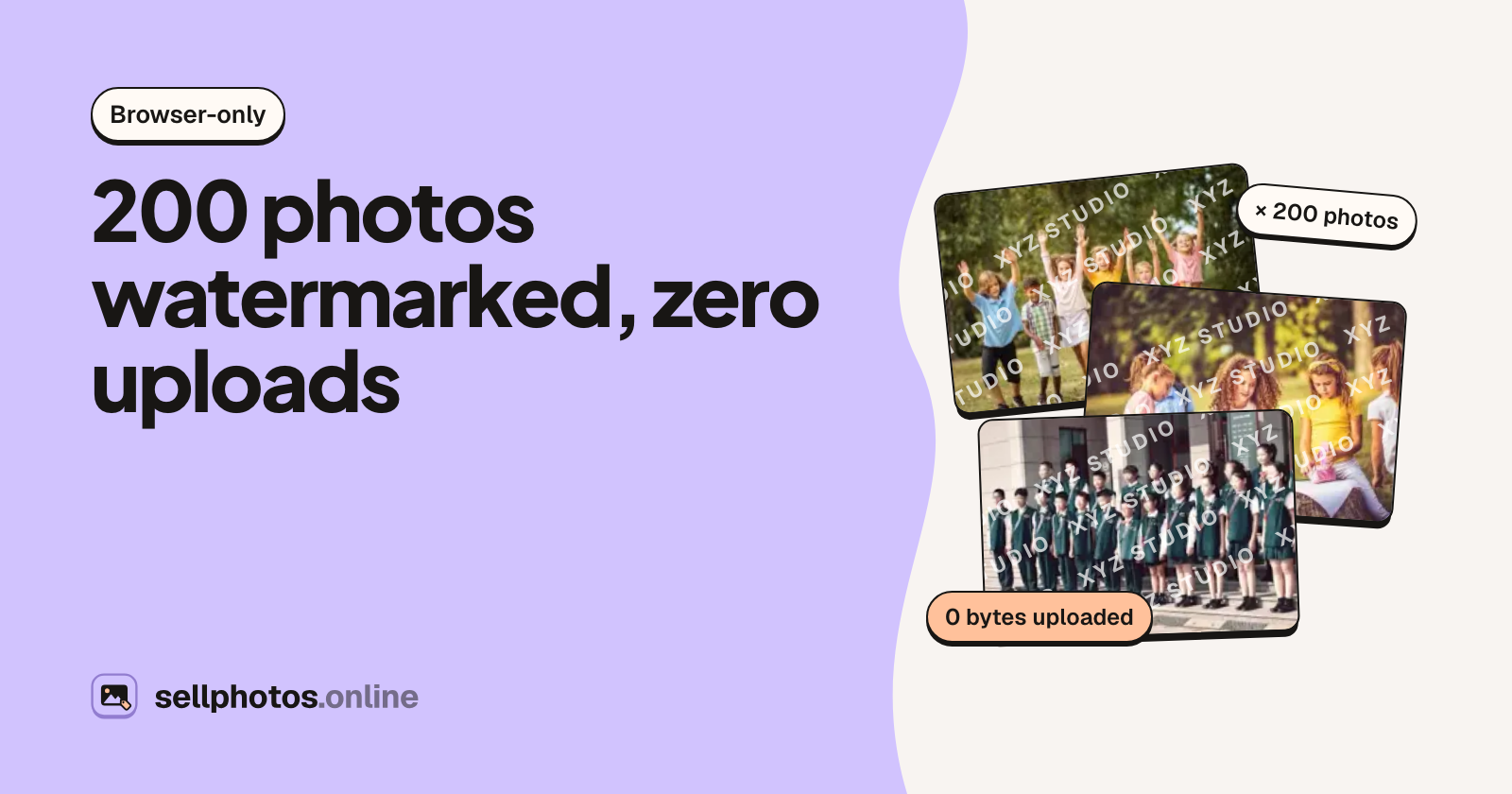
A watermark tool that uploads your photos to a server asks photographers to hand over the very thing they're trying to protect. So we built ours to run entirely in the tab. You drop in up to 200 photos, set a mark, and get back one file or a zip. Nothing is sent anywhere.
The interesting part is that it isn't a separate project. The tool draws its watermarks with the same code our server uses for photos that are actually for sale.
One renderer, two rasterisers
sellphotos.online is a store for event photographers. When a photographer uploads a shoot, a processing container (Node 22 with sharp and libvips) draws a watermark over each preview that buyers browse. Those designs live in a folder of plain TypeScript, with no enums and imports written with .ts extensions. Node 22 strips the types at load time in the container, and Vite bundles the same files into the web app.
The core function returns an SVG string sized to one photo's frame:
renderWatermark(frame, designId, settings, logo) // → { svg, usedLogo }
On the server, librsvg rasterises that SVG and sharp composites it. In the browser, the SVG is loaded into an <img> and drawn onto a canvas over the photo. Same SVG, two rasterisers, so the SVG may only use features both draw the same way. We learned the rules by measuring:
- No
textPath,textLengthortext-transform. Letter-spaced text is anchored at its measured start, because browsers count trailing letter-spacing when centring and librsvg doesn't. - Repeated text is
<use>copies inside a rotated group, not a rotated<pattern>. At 2048 px the pattern took 1.8 s in the container and the group 0.3 s. - No blur, shadow or morphology filters. They cost 6–10 s per photo on the server.
- Marks without a plate get a thin contrasting outline, so a white mark stays visible on a white sky.
Layout from the short edge
A batch mixes portraits, landscapes and squares, so a mark sized in pixels would look tiny on one photo and huge on the next. Every design sizes from the frame's short edge instead:
// workers/processor/container/wm/render.ts (simplified)
const base = Math.min(w, h);
export const margin = (c: Ctx, frac = 0.035) => Math.max(8, Math.round(c.base * frac));
export const sz = (c: Ctx, frac: number, min = 8) => Math.max(min, c.base * frac * c.k); // k = the user's size setting
Each photo in the batch gets its own SVG, rendered for its own width and height. A name in the corner sits the same distance in from the edge on a phone portrait as on a 3:2 landscape.
Branding marks, kept away from the store
The free tool has something the paid product deliberately doesn't: corner and edge marks. You pick a spot on a 3×3 grid (or every corner), a style (plain, badge, strip or a script signature), and whether a logo sits beside or above your text.
Those marks never reach a seller's previews. A corner mark is cropped off in seconds, so every design a seller can choose either crosses the middle of the photo or tiles the whole frame. The branding marks live in their own module, and the processor never sees them.
To keep the tool's preview and export code identical to the seller designs, a branding mark still travels as one number:
// workers/processor/container/wm/branding.ts (simplified)
// id = 1000 + style × 100 + layout × 10 + position
export function renderMark(frame, designId, settings, logo, opts = {}) {
  return isBrandingId(designId)
    ? renderBranding(frame, designId, settings, logo, opts)
    : renderWatermark(frame, designId, settings, logo, opts);
}
The font problem
An SVG loaded as an image is sandboxed. It can't fetch anything, including web fonts, so text silently falls back to a system font. The fix is to read which faces the SVG actually uses and inline those font files as data: URIs:
// apps/web/app/lib/tools/watermark-export.ts (simplified)
export function fontFacesIn(svg: string): FontFace[] {
  const seen = new Map<string, FontFace>();
  for (const m of svg.matchAll(/font-family="([^",]+)[^"]*" font-weight="(\d+)"( font-style="italic")?/g)) {
    const key = `${m[1]}/${m[2]}${m[3] ? "/italic" : ""}`;
    const file = FONT_FILES[key];
    if (file && !seen.has(key)) seen.set(key, { family: m[1], weight: Number(m[2]), style: m[3] ? "italic" : "normal", file });
  }
  return [...seen.values()];
}
Each woff2 is fetched once per page, base64-encoded, and cached in a Map of promises. A failed fetch is evicted so the next export retries it. The @font-face rules go into a <style> block inside the SVG, right after the opening tag. They're Latin subsets of the same font files the container has installed, so a mark looks the same in the tool as on a store's previews.
Export: one canvas at a time
// simplified
const source = await loadImage(photoObjectUrl);
const frame = outputFrame(source.naturalWidth, source.naturalHeight); // long edge ≤ 4,096 px
const { svg } = renderMark(frame, designId, settings, logo);
const overlay = await loadImage(URL.createObjectURL(new Blob([withStyle(svg, await embeddedFontCss(svg))], { type: "image/svg+xml" })));

const canvas = document.createElement("canvas");
canvas.width = frame.w;
canvas.height = frame.h;
const ctx = canvas.getContext("2d")!;
ctx.drawImage(source, 0, 0, frame.w, frame.h);
ctx.drawImage(overlay, 0, 0, frame.w, frame.h);
const blob = await toBlob(canvas, type, type === "image/jpeg" ? 0.92 : undefined);
The tool accepts JPEG, PNG and WebP up to 25 MB each. PNG stays PNG, because it may carry transparency, and everything else comes back as JPEG at quality 0.92. The long edge is capped at 4,096 px, plenty for the web and social media, and the original file on disk is never touched.
Photos are processed one after another, each on its own full-size canvas. So the 200-photo limit is about patience and zip size rather than memory. A cancel flag is checked between photos, and a cancelled batch saves nothing. When a photo is added, one object URL is created and reused by both the preview and the export, and a 320 px JPEG thumbnail is made for the list.
A zip writer in a few dozen lines
Browsers have no built-in zip writer, and the server's streaming one relies on node:zlib. JPEG and PNG files are already compressed, though, so a zip that only stores files loses almost nothing. That format is simple enough to write by hand: a CRC-32 per file, a local header before each file's bytes, a central directory and an end record.
// apps/web/app/lib/tools/client-zip.ts
export function crc32(data: Uint8Array, crc = 0): number {
  const t = (table ??= (() => {
    const t = new Uint32Array(256);
    for (let i = 0; i < 256; i++) {
      let c = i;
      for (let k = 0; k < 8; k++) c = c & 1 ? 0xedb88320 ^ (c >>> 1) : c >>> 1;
      t[i] = c >>> 0;
    }
    return t;
  })());
  let c = ~crc;
  for (let i = 0; i < data.length; i++) c = t[(c ^ data[i]!) & 0xff]! ^ (c >>> 8);
  return ~c >>> 0;
}
Names are written as UTF-8 (general-purpose flag 0x0800), and times as MS-DOS date/time. Files with the same name become a.jpg and a (2).jpg, compared case-insensitively. The detail that matters most for big batches is in zipBlobs. It reads each Blob once to compute its CRC, then puts the Blob itself into the output instead of a copy of its bytes. The whole batch stays in the browser's blob store, not in the page's JavaScript heap.
What "nothing uploads" buys you
- Trust you can check. Open the network tab while you export: there are no requests carrying your photos.
- No server cost per photo, so the tool can be free with no limits or sign-up.
- The trade-offs are honest ones. Output is capped at 4,096 px, and a big batch on an old phone takes a while. For photos you're about to post or send to a client, that's usually fine.
If you watermark photos you mean to sell, a corner mark won't stop anyone. That's why the paid side of sellphotos.online uses full-frame designs and only releases the clean original after the buyer has paid you. The watermark tool is free either way, with no account needed.