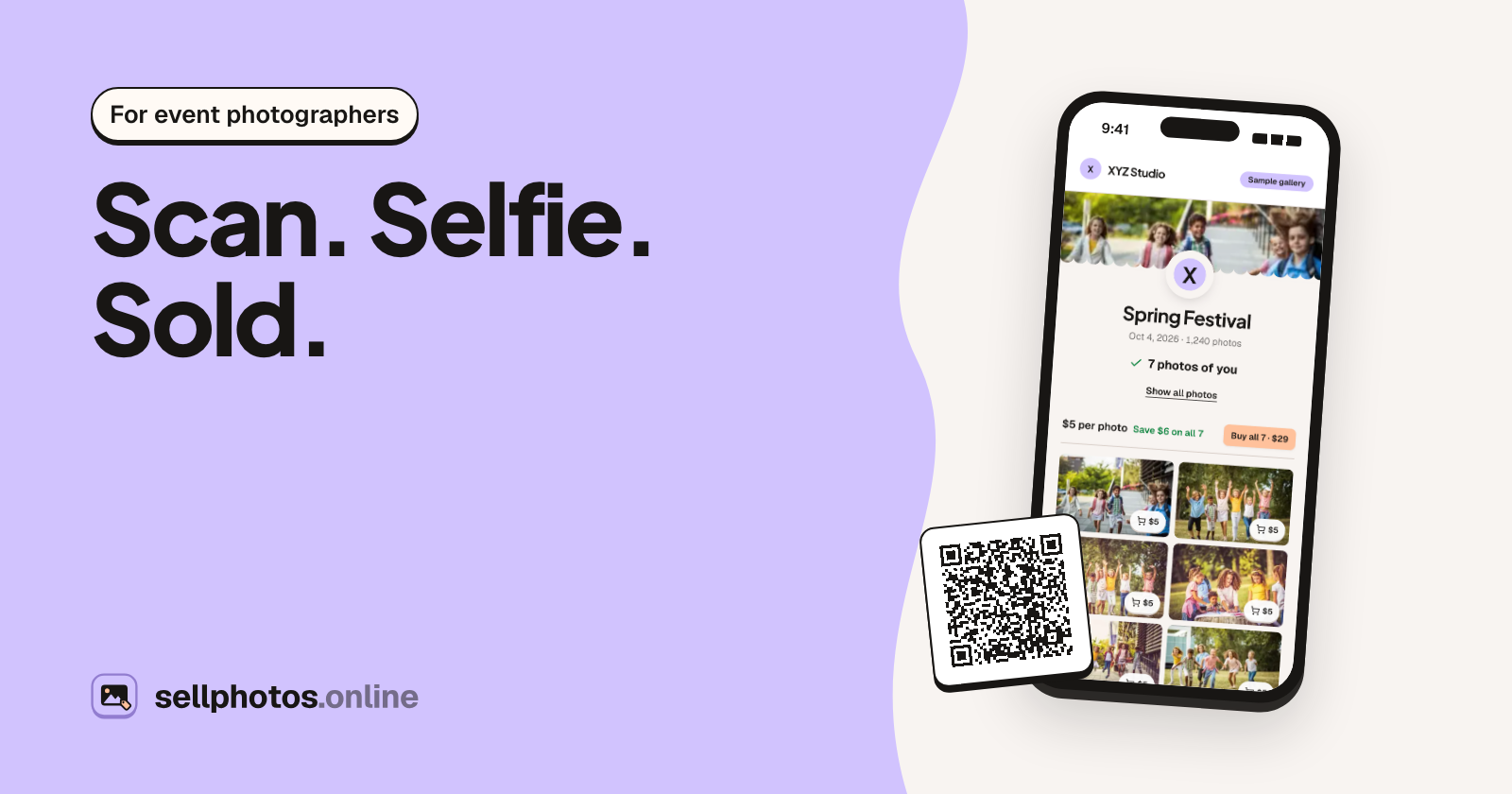
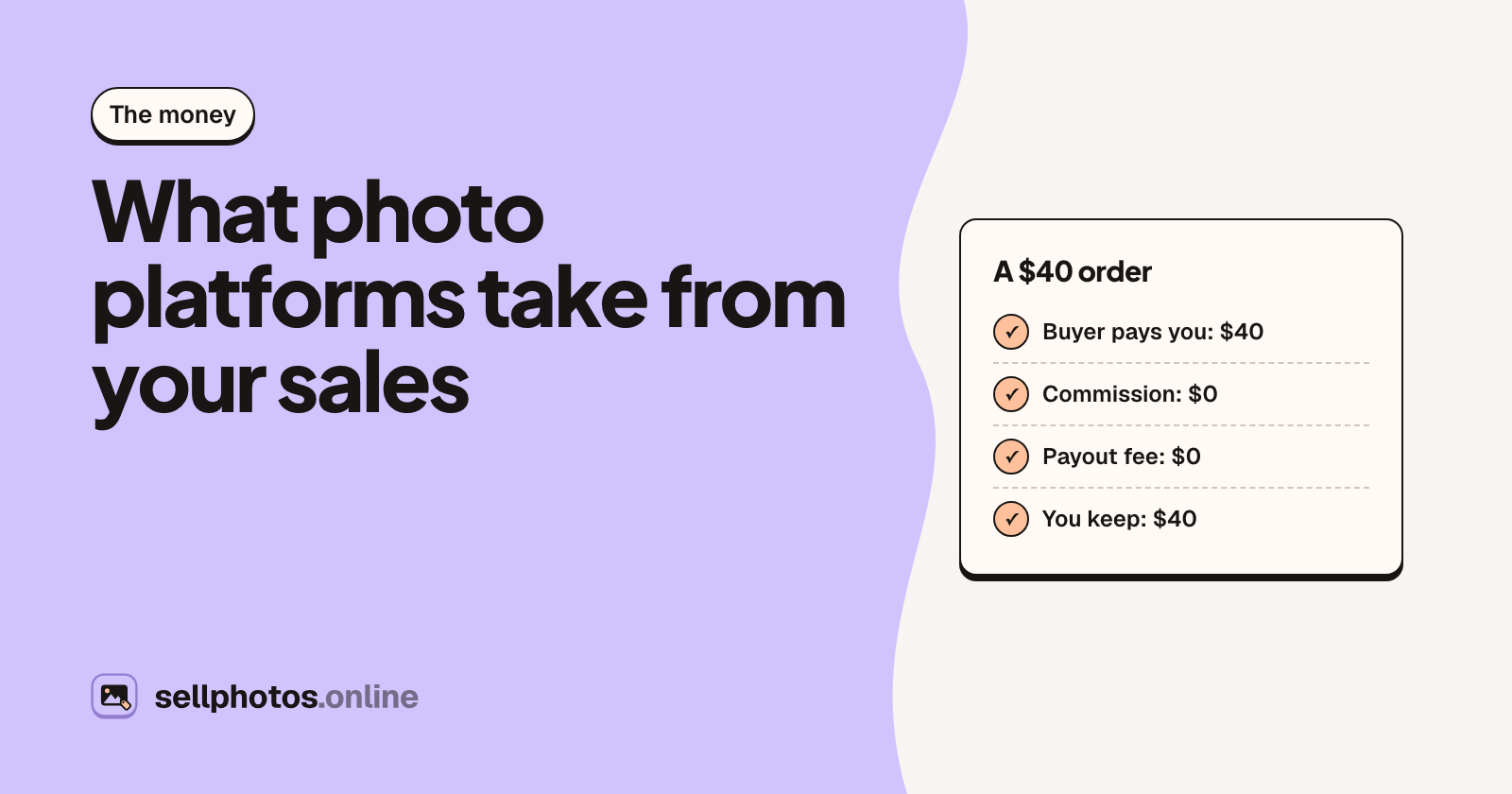
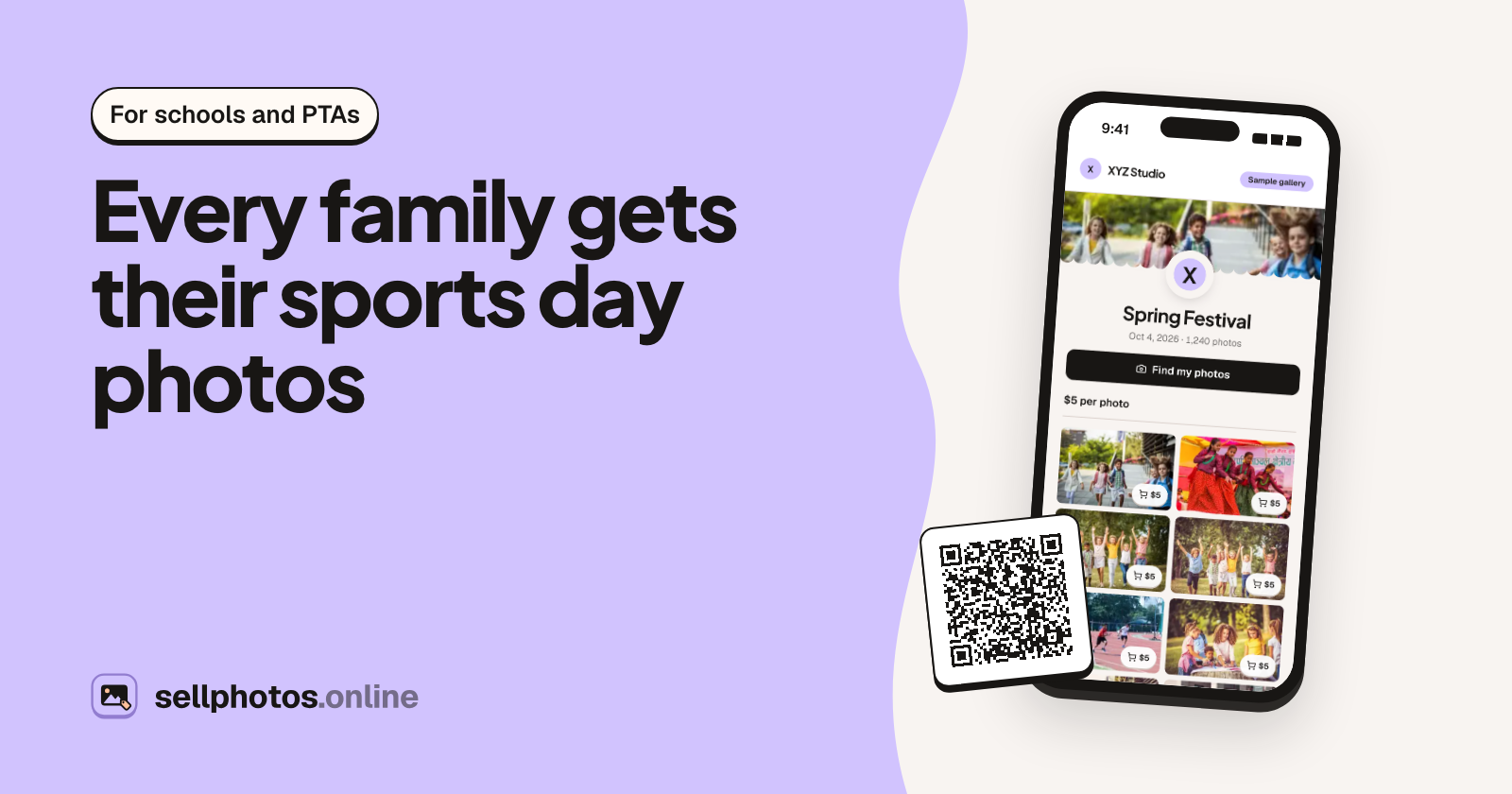
Got a QR code at an event? Here's how to find your photos with a selfie
A two-minute guide for guests: scan, take a selfie, see only the photos you're in, and download them once you've paid the photographer.
3 min read
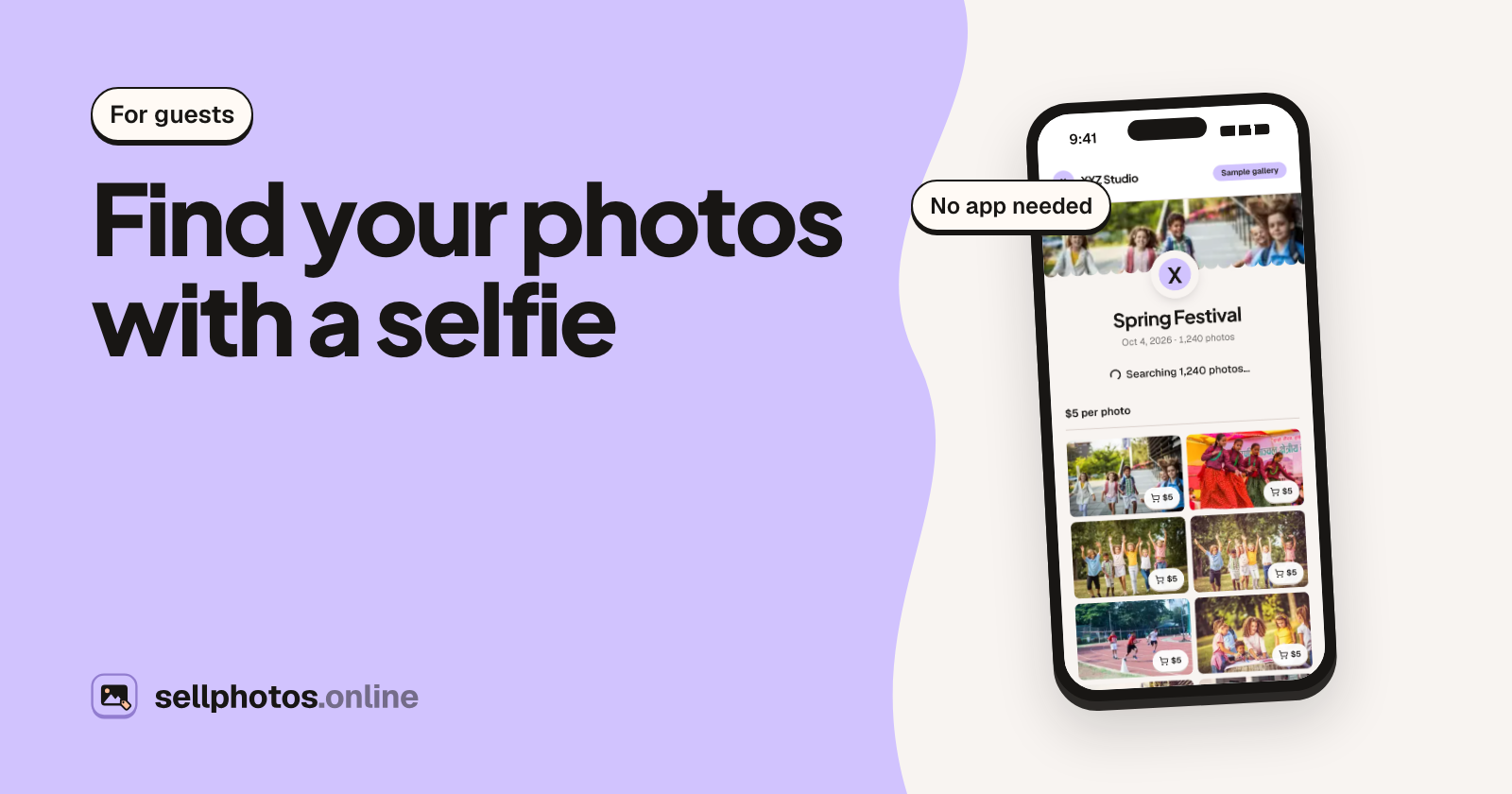
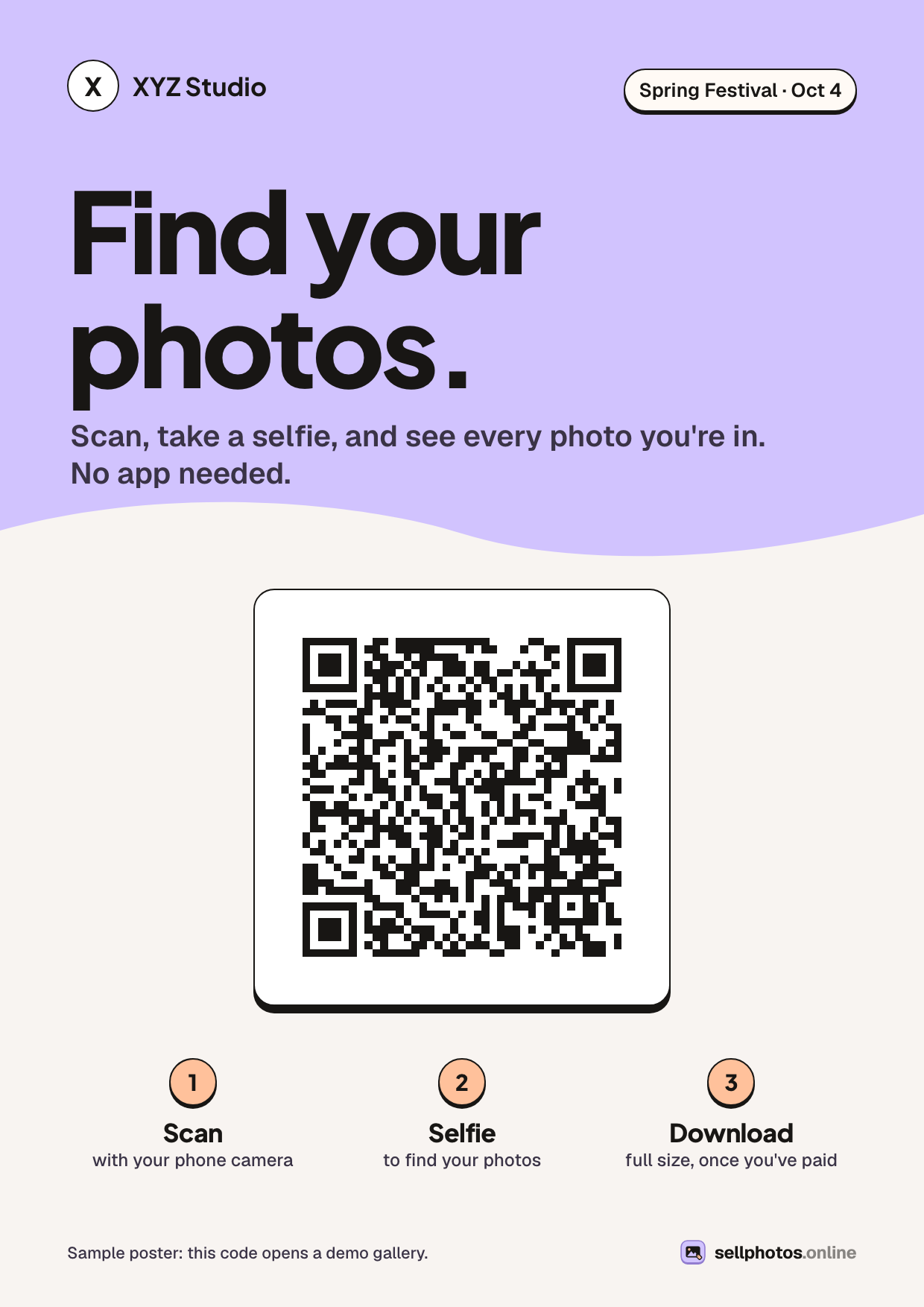
You were at a sports day, a convocation, a race or a festival, and you saw a poster that said something like "Find your photos. Scan, take a selfie." Or someone posted a link in your group. This page walks you through what happens next. It takes about two minutes, and you don't need to install anything.
1. Open the gallery
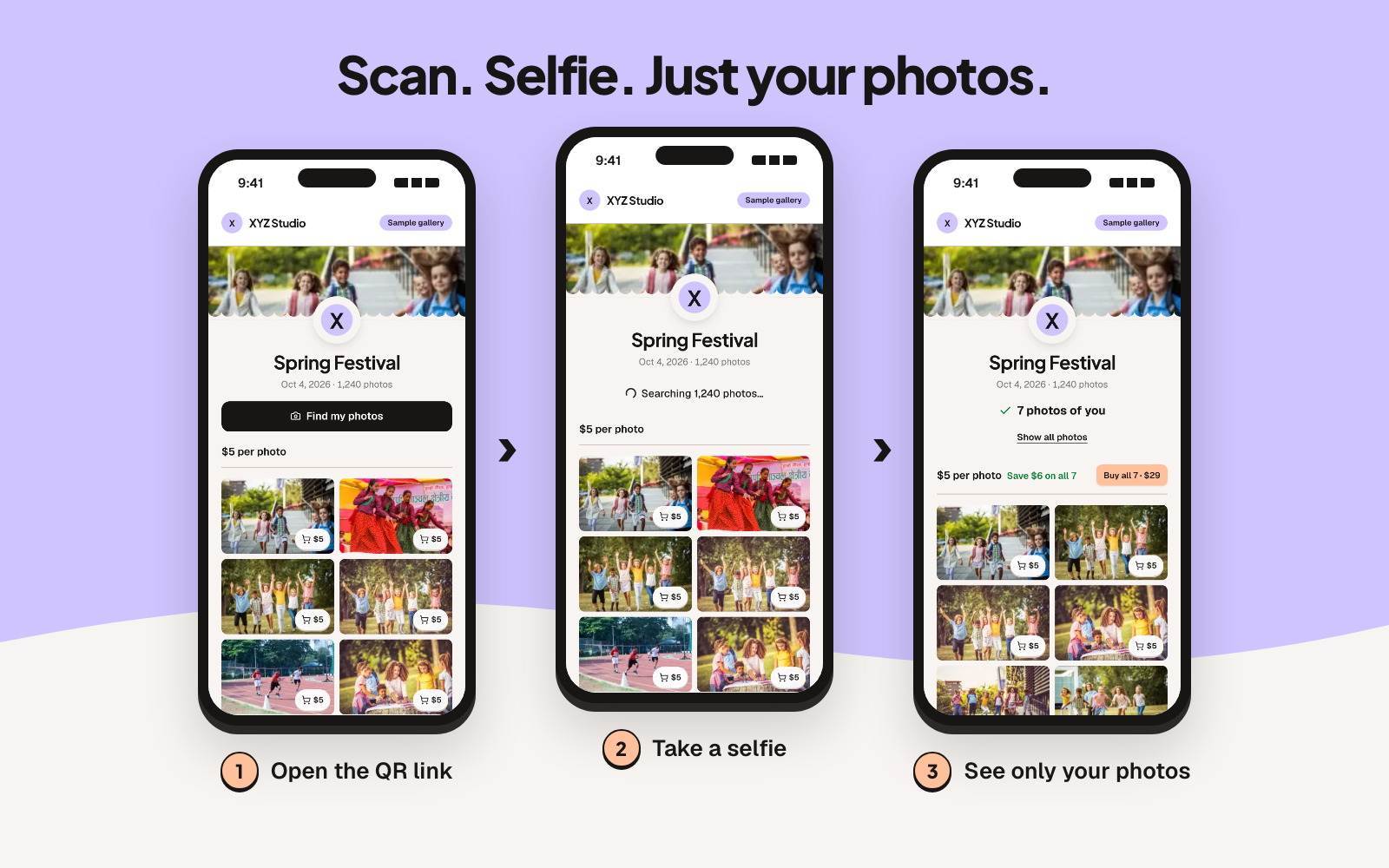
Point your phone's camera at the QR code and tap the link, or open the link from the message. The event gallery opens in your browser. There's no app to download and no account needed to look around.
Have a short event code instead of a link? Enter it on the sellphotos.online home page. No link or code at all? Ask the photographer or the organiser; every gallery has its own.
2. Tap "Find my photos" and take a selfie
The gallery may hold hundreds or thousands of photos. Instead of scrolling, tap Find my photos. You'll see a short notice about how your selfie is used; agree to it, then take a selfie. Face search compares it with the event's photos and shows only the ones you're in.
Tips if it misses some:
- Take the selfie in good light, facing the camera, without sunglasses.
- Try again later. Photographers often upload in batches, so more photos may appear.
- Tap Show all photos to go back to the full gallery and browse.
Some events don't use face search, or only allow the live camera (so searches use the camera, not a saved photo). If you don't see the button, just browse the gallery.
3. Pick your photos
You'll usually see a few ways to buy, depending on what the photographer offers:
- Single photos, one at a time.
- All my photos, one price for every photo your selfie matched. If the photographer uploads more photos of you later, they're added to your order.
- The whole event, every photo in the gallery.
Some events are free downloads. In that case you skip the payment step.
The photos you see are watermarked previews. The full-size originals, without the watermark, come after the photographer approves your order.
4. Pay the photographer directly
At checkout you'll sign in with Google or a one-time code sent to your email. This keeps your order and downloads in one place.
Then you'll see the photographer's payment details: a UPI ID, bank details, PayPal, Zelle, Venmo, or whatever they use. You pay them directly, the same way you'd pay anyone, and upload a screenshot of the payment so they can match it to your order.
Your money goes to the photographer, not to a platform.
5. Wait for approval, then download
The photographer checks that your payment arrived and approves your order. You'll get an email, and the full-size photos unlock for download.
"I paid, but I can't download yet"
That's normal for a little while. A person checks each payment by hand, so approval can take a few hours. You'll get an email the moment it's approved.
If it's taking longer:
- Check your email (and spam folder) for a message about your order. If the photographer couldn't find your payment, they may have sent a note.
- Contact the photographer. Their details are on their store page and in your order emails, and only they can approve your order.
- If you can't reach them, email support@sellphotos.online with your order link.
Unpaid orders get reminders and expire after 14 days.
Getting your photos again later
Lost the email? Changed phones? Your approved orders stay in one place: sellphotos.online/orders. Sign in with the same Google account or email you used at checkout.
What happens to your selfie
In plain words:
- You choose whether to use face search. Browsing never needs a selfie.
- Your selfie photo isn't kept. It's turned into a face template and compared only with that event's watermarked previews, never the originals.
- Search results last 24 hours.
- You can ask for your face data to be deleted at any time through the contact page.
Curious how it looks before your event?
Open the sample gallery and tap "Find my photos". It uses sample photos, so you can try every step without a real event.
About sellphotos.online: the online store your photographer uses to share event photos. You find your photos with a selfie and pay the photographer directly.