7 ways to get event photos to your guests in 2026, compared
From a free Drive link to face-search stores: how guests find themselves, whether they need an app, where the money goes, and what each costs.
7 min read
The shoot is over. You have 1,200 photos from a sports day, a convocation or a company conference, and a few hundred people who each want the handful they're in.
There are more ways to get those photos to them than ever. They differ on four things that matter more than any feature list:
- How a guest finds themselves. Scrolling, a code, their race number, or a selfie.
- Whether they need an app or an account. Every install and sign-up loses people.
- Where the money goes. Nowhere, through the platform, or straight to you.
- What it costs you. Free, a percentage of each sale, or a fixed fee.
Here are seven options, what each is good at, and where each falls short.
Disclosure: we make sellphotos.online, which is option 5. We've tried to be fair to every option, including ours. Facts about other products link to their own pages (checked November 2026). Plans change, so check their pricing page before you decide.
1. A shared Google Drive folder or Google Photos album
The default, and for a lot of events it's enough.
- How guests find themselves: they scroll. Google Photos groups faces, but those face groups are visible only to the photo owner, so guests can't search by face.
- App or account: no app needed to view a link.
- Money: none. There's no checkout and no watermark, so it's a way to give photos away, not sell them.
- Cost: free, though the photos count against your storage. Google Photos albums are capped at 20,000 photos.
- Best for: free family or community events where everyone is happy to browse.
- Watch out for: a 1,200-photo folder is a wall. Most guests scroll for a minute and give up, and the link gets buried in group chats within a day.
2. A WhatsApp or Telegram group dump
Common in India and anywhere a group chat already exists for the event.
- How guests find themselves: they scroll the chat.
- App or account: the chat app, and they have to be in the group.
- Money: none, unless you take payments by hand.
- Cost: free.
- Best for: small groups, such as one class, one team or one family function.
- Watch out for: photos usually lose quality unless you send them as files, hundreds of images flood everyone's phone, and anyone in the group can forward anything. It doesn't scale past a few dozen photos.
3. Client-gallery platforms: Pixieset, Pic-Time, ShootProof
Built for wedding and portrait photographers delivering to one client, with stores for prints and downloads.
- How guests find themselves: mostly by scrolling. Pixieset has no guest selfie search that we could find (its AI face detection is for the photographer's own sorting), and ShootProof lists none. Pic-Time has Selfie Search, but only on its Advanced plan.
- App or account: no app.
- Money: through the platform's store. Pixieset takes 15% on its Free plan and 0% on paid plans. When Pic-Time collects the payment, it takes 15% on Free and Beginner, 8% on Professional and 6% on Advanced. ShootProof charges 0% commission on all plans.
- Cost: Pixieset is free for 3 GB, then from $8/month billed yearly. Pic-Time's Advanced plan, the one with Selfie Search, is $42/month billed yearly or $50 monthly. ShootProof has a free plan for 100 photos, then from $4.33/month billed yearly.
- Best for: weddings and portraits, print and album sales, and polished client delivery.
- Watch out for: they're designed for one client per gallery. With hundreds of guests who each want a different few photos, finding yourself is the hard part, and most of these don't solve it.
4. Indian face-search apps: Kwikpic and FotoOwl
Popular with Indian wedding and event photographers. Both use a QR code and a selfie.
- How guests find themselves: a selfie. Kwikpic offers face search on every plan, through a QR code and a selfie in the browser. FotoOwl has face search too, and WhatsApp delivery.
- App or account: no app needed for guests. Kwikpic also has a native app.
- Money: Kwikpic sells HD downloads. Buyers' money goes into a Kwikpic wallet, which you then withdraw to your bank. FotoOwl includes photo selling on every plan. Neither publishes its fee on photo sales, so ask before you rely on selling.
- Cost: Kwikpic is free for 1,000 photos in your first year, then from ₹3,490 a year for 20,000 photos up to ₹29,990 a year for 500,000. FotoOwl is free for 1,000 images, then ₹494 to ₹2,083 a month billed yearly, sized by storage.
- Best for: weddings and events in India where fast delivery, often over WhatsApp, matters more than selling.
- Watch out for: if selling is the point, find out exactly what you'll pay per sale and how long withdrawals take.
5. sellphotos.online
Ours. An online store for event photos, built around the QR code and the selfie.
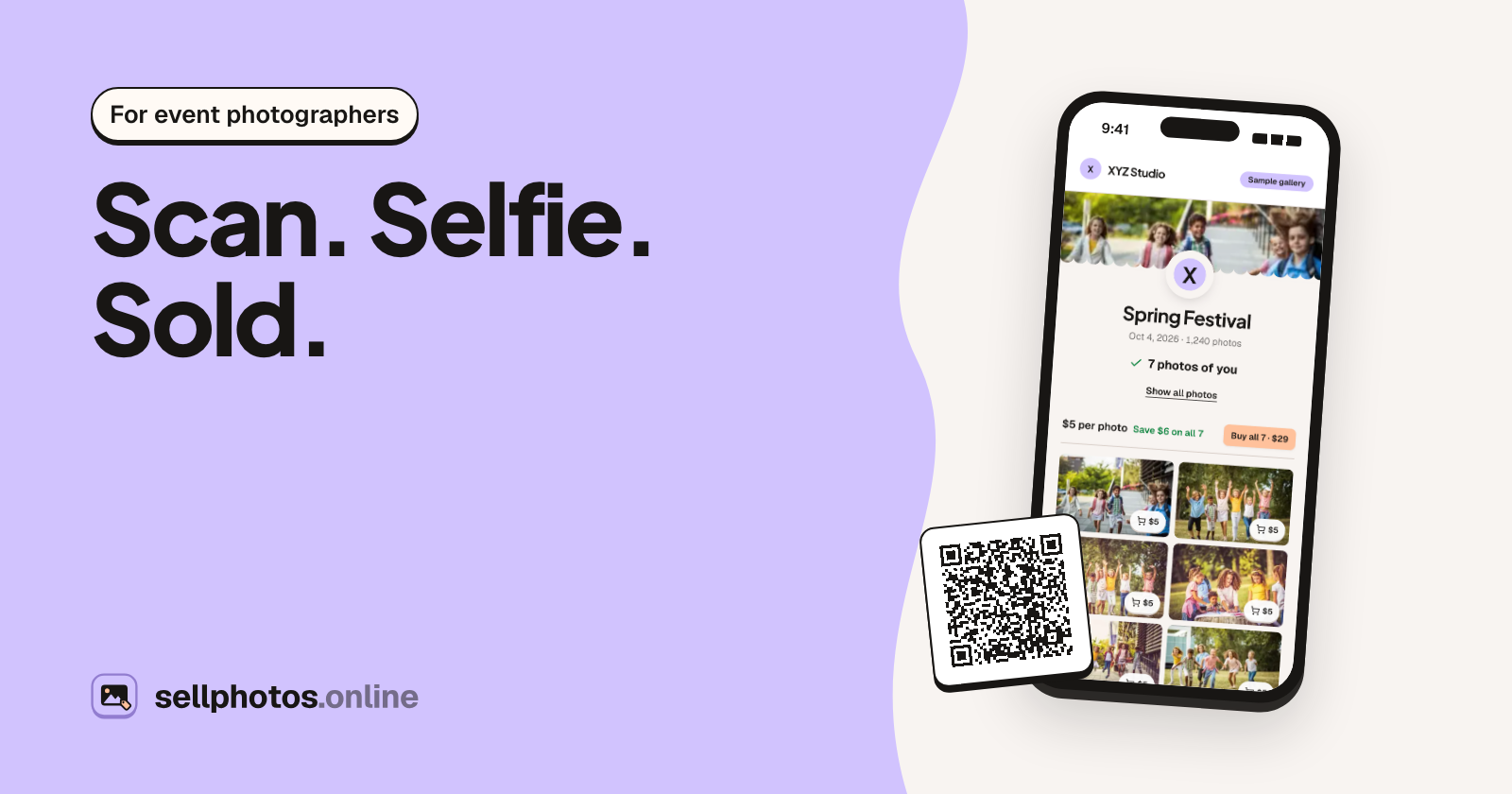
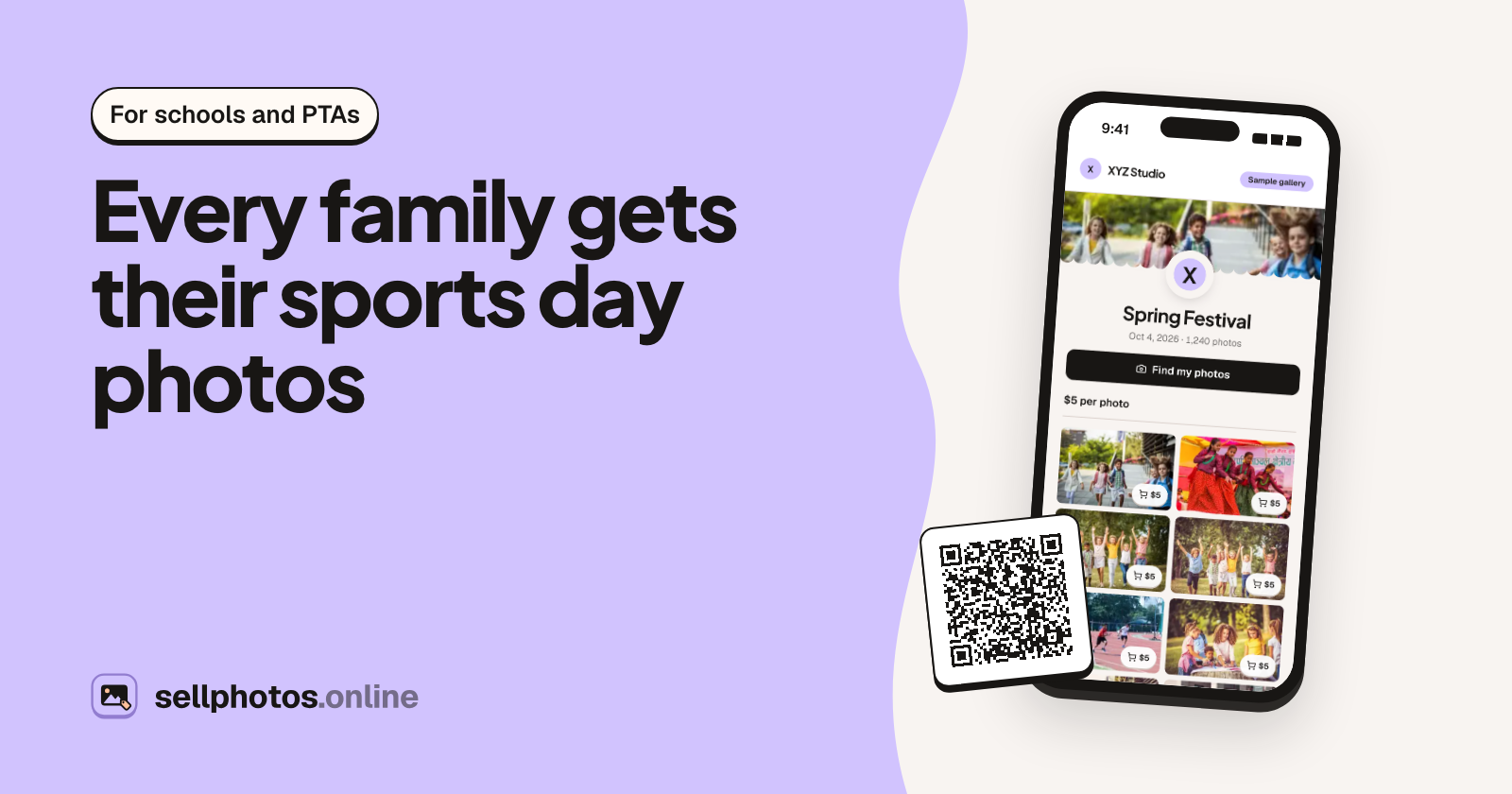
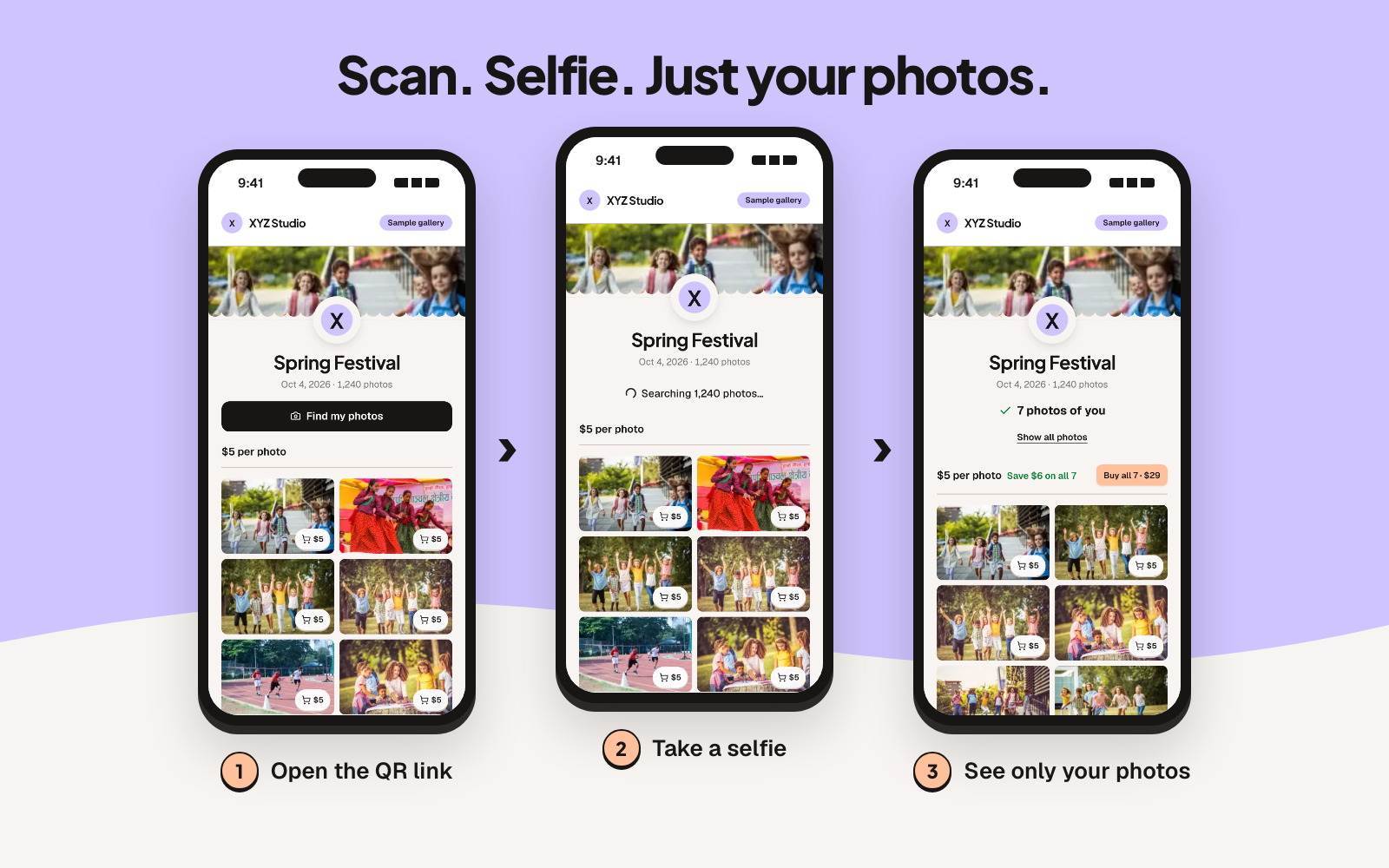
- How guests find themselves: a selfie. Guests scan the event's QR code, tap "Find my photos", and see only the photos they're in. They can always switch to browsing the whole gallery.
- App or account: no app, no sign-up to browse. Buyers sign in with Google or an email code at checkout.
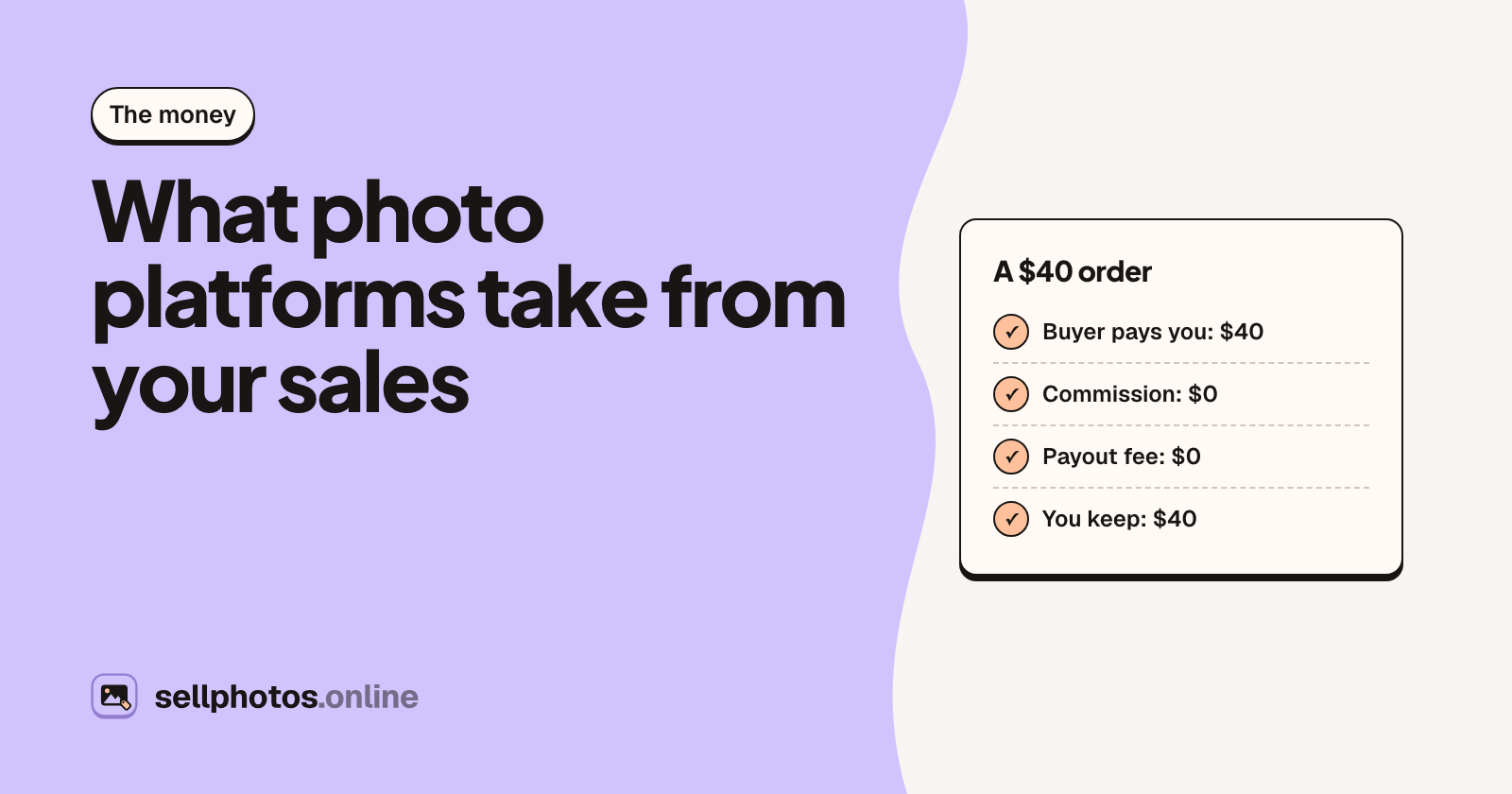
- Money: straight to you. Buyers pay by UPI, bank transfer, PayPal, Zelle, Venmo or whatever you list, upload a payment screenshot, and you approve. 0% commission.
- Cost: a yearly plan: $99, $250, $499 or $2,000, sized by photos uploaded and approved orders.
- Best for: photographers, schools and clubs selling downloads to many guests at one event, who want to keep every sale.
- Watch out for: you approve every payment by hand, which is slower than instant card checkout. There's no free tier, approved orders are capped per plan (250 a year on Starter), and there's no print lab and no bib-number search.
6. Zenfolio
A website, galleries and a store in one, used for portraits as well as sports and school volume work.
- How guests find themselves: Zenfolio has Face Finder, a selfie search for gallery visitors. Check which plans include it.
- App or account: no app.
- Money: through Zenfolio, with a 7% fee on every order on every plan, plus $0.09 per file or $0.99 per gallery for digital downloads.
- Cost: plans from $7/month billed yearly.
- Best for: photographers who want a portfolio site and a store with prints under one login.
- Watch out for: the 7% applies however big your plan is, so it grows with your sales.
7. Sports, race and school marketplaces
PhotoDay, GotPhoto, GeoSnapShot, Photohawk, FlashFrame and WaldoPro are built for volume: teams, leagues, picture days and races.
- How guests find themselves: usually several ways. GeoSnapShot searches by face, bib and time. Photohawk uses selfie and bib, and FlashFrame tags by bib, face, location, time and shirt colour. PhotoDay has FaceFind. WaldoPro matches by face and jersey and sends matches by text or app notification.
- App or account: mostly web, no app needed. GotPhoto parents use access codes.
- Money: through the platform, with card checkout and automatic delivery. The commission ranges widely: 10% plus Stripe at PhotoDay, 12%, 9% or 7% by plan plus card fees at GotPhoto, 16% to 12% at Photohawk, 30% at GeoSnapShot, 31% plus Stripe at FlashFrame, and 10% to 15% at WaldoPro.
- Cost: most have no upfront fee, or a free starting plan.
- Best for: school picture days with prints and packages, leagues, and races where bib search matters.
- Watch out for: the percentage. At a few thousand dollars of sales a year, the commission usually costs more than a flat plan. That may still be worth it for the card processing, prints and delivery you get.
The seven side by side
| Option | Guests find themselves by | App for guests? | Money goes | Cost to you |
|---|---|---|---|---|
| Drive / Google Photos | Scrolling | No | Nowhere: no selling | Free (storage) |
| WhatsApp / Telegram group | Scrolling the chat | The chat app | Nowhere, or by hand | Free |
| Pixieset / Pic-Time / ShootProof | Scrolling; selfie only on Pic-Time Advanced | No | Through the platform | Free plans, or monthly; 0% to 15% by plan |
| Kwikpic / FotoOwl | Selfie | No | Kwikpic: wallet, then your bank; FotoOwl: fee not published | Free tier, then yearly or monthly |
| sellphotos.online | Selfie, or scrolling | No | Straight to you, approved by hand | $99 to $2,000 a year, 0% |
| Zenfolio | Face Finder selfie search | No | Through Zenfolio | From $7/month, plus 7% per order |
| Sports / race / school marketplaces | Face, bib, jersey, codes | Mostly no | Through the platform, automatic | Mostly $0 upfront, 7% to 31% per sale |
How to choose
Start from the event, not the tool.
- A free family or community event: a Drive folder or a Google Photos album is fine.
- One small group: a WhatsApp group works, as long as it's a few dozen photos.
- A wedding or portrait client: a client-gallery platform such as Pixieset, Pic-Time or ShootProof, especially if you sell prints.
- An Indian wedding or event where WhatsApp delivery matters most: look at Kwikpic or FotoOwl.
- A website and store under one login, with prints: Zenfolio.
- School picture day with packages, or a race that needs bib search: a volume marketplace such as PhotoDay, GotPhoto, GeoSnapShot, Photohawk or FlashFrame.
- Many guests buying downloads at one event, and you want to keep every sale: sellphotos.online.
Whatever you pick, two habits help more than any platform: put the link or QR code in front of guests while they're still at the event, and give each guest a fast way to find their own photos.
To see what the selfie route looks like from a guest's phone, open the sample gallery and tap "Find my photos". It needs no sign-up.
About sellphotos.online: we make it, and it's option 5 above. It's an online store for event photos where guests find their photos with a selfie and pay you directly, with no commission and plans from $99 a year.