How to sell event photos online in India and get paid by UPI
Garba nights, annual days, convocations and marathons: one QR code at the venue, a selfie to find the photos, and the money straight to your UPI ID.
6 min read
You shot a garba night. 2,000 photos, 800 people, and by midnight your WhatsApp is full of the same message: "Bhai, mera photo bhejo."
You can't answer 800 people one by one. A Google Drive link doesn't help either, because nobody scrolls 2,000 photos to find the six they are in. So most of those photos are never seen, and you earn only what the organiser paid you for the night.
There is a better way to run it, and it fits how India already pays: a QR code at the venue, a selfie to find the photos, and UPI straight to you.
The short version
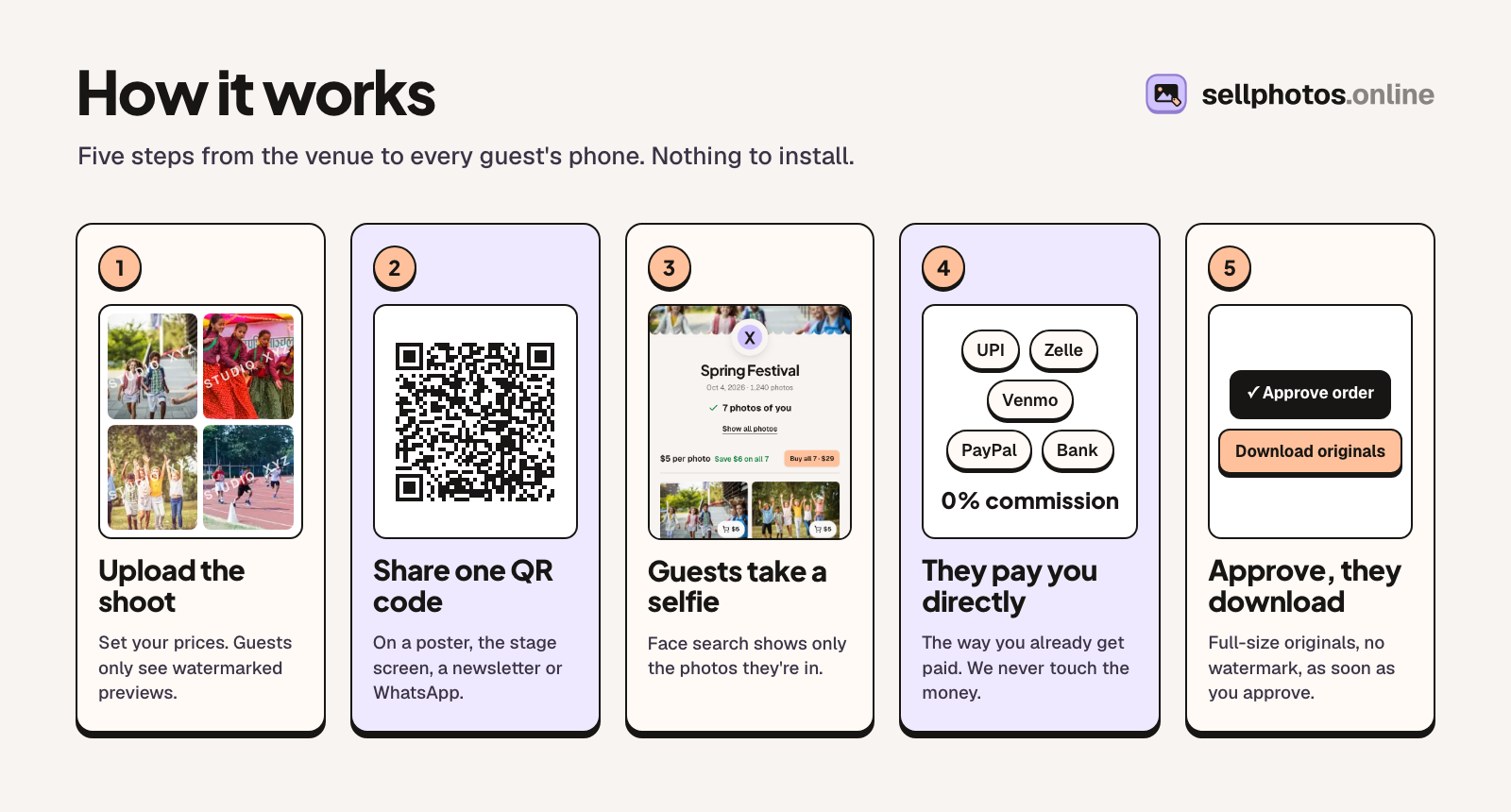
- Upload the shoot and set your prices in rupees.
- Print one QR code and put it where people wait.
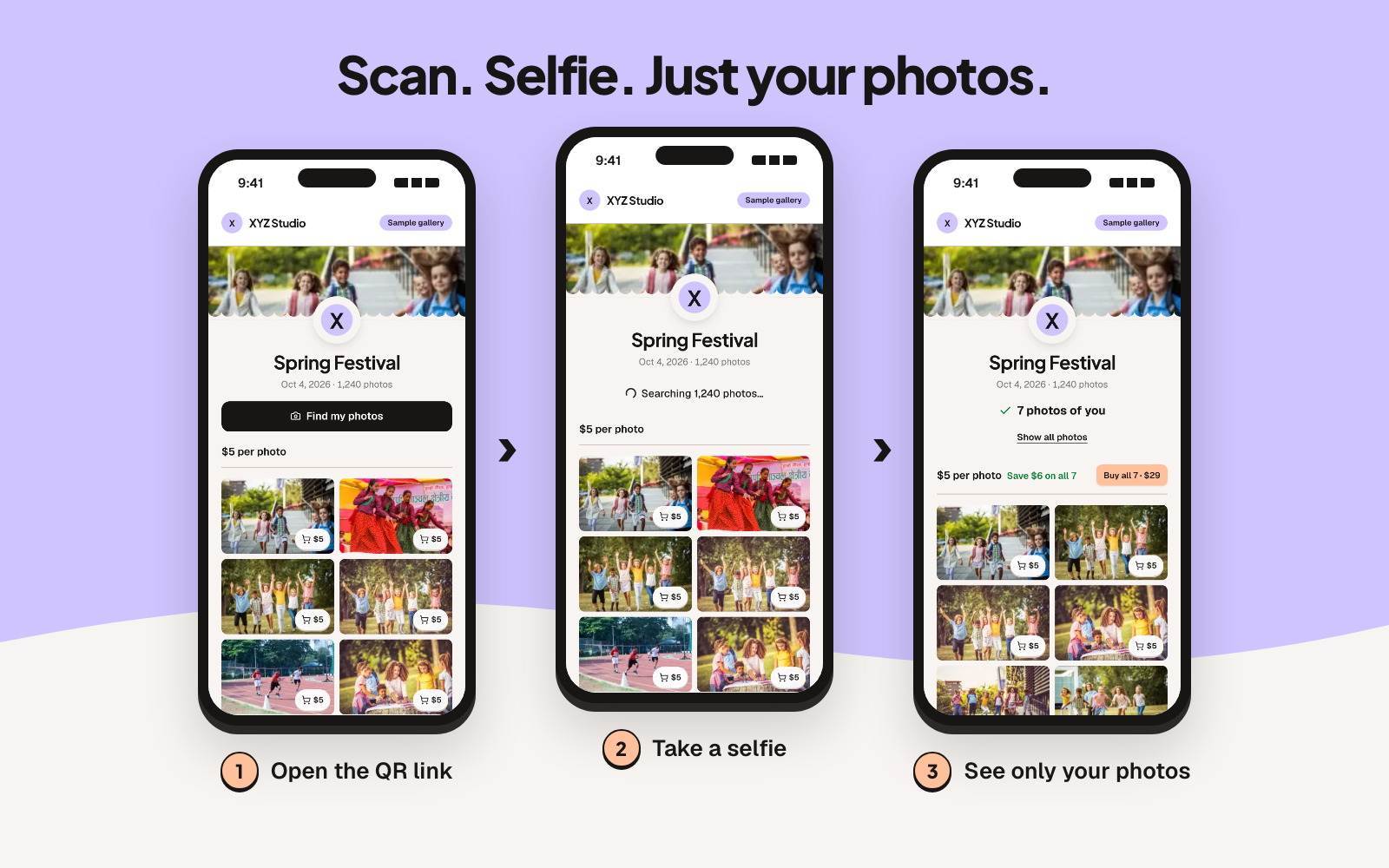
- Guests scan it, take a selfie and see only the photos they are in.
- They pay your UPI ID and upload the payment screenshot.
- You check the money arrived and approve. Their full-size photos unlock.
That is the whole flow on sellphotos.online, which is the tool we build. The rest of this post is how to run it well, what to charge, and where it goes wrong.
Which events this works for
It works when many people are in the photos and each of them wants only their own.
- Garba and Navratri nights, sangeet and society functions. Big crowds, everyone dressed up, and nobody wants to wait a week.
- School annual day and sports day. Every parent wants their own child on stage or at the finish line. Follow the school's photo policy; more on that below.
- Convocations and college fests. The stage photo is the one everybody buys.
- Marathons, cyclothons and tournaments. Runners look for themselves the same evening.
- Corporate events and conferences. Often the company pays you, and the photos go out as free downloads. The same QR and selfie flow works with the price set to zero.
It suits weddings less. A wedding has one client who has already paid for everything, so there is nobody to sell single photos to. A free-download gallery for the guests can still be a nice extra to offer the couple.
Step 1: Agree it with the organiser first
Ask before the event, not after. Three questions cover it:
- Can I sell the photos to the people in them?
- Where can the QR code go: the entry gate, the stage screen, the food counter, the WhatsApp group?
- Is there a photo policy, especially for children?
Many organisers say yes quickly, because it takes the "send me my photo" requests off their hands. Some ask for a share of sales. If you agree to one, write it down and settle it yourself. The platform does not split payments between you and an organiser.
Step 2: Set prices in rupees
You can price in rupees (47 currencies are supported) and offer three kinds of price at once:
- a price per photo
- a price for "all my photos", which is every photo the selfie search finds of that person
- a price for the whole event, for the organiser or the school office
Here is an example. These are example numbers, not advice for your city:
| What they buy | Example price |
|---|---|
| One photo | ₹99 |
| All my photos | ₹299 |
| Whole event | ₹4,999 |
"All my photos" is the one most people understand at once. They searched, they saw seven photos of themselves, and one price gets them all seven.
A worked example. Say 800 people come to your garba night and one in ten buys "all my photos" at ₹299. That is 80 orders and ₹23,920, on top of what the organiser paid you. Your numbers will be different. The point is that the photos you already shot can earn a second time.
Step 3: Put the QR code where people wait
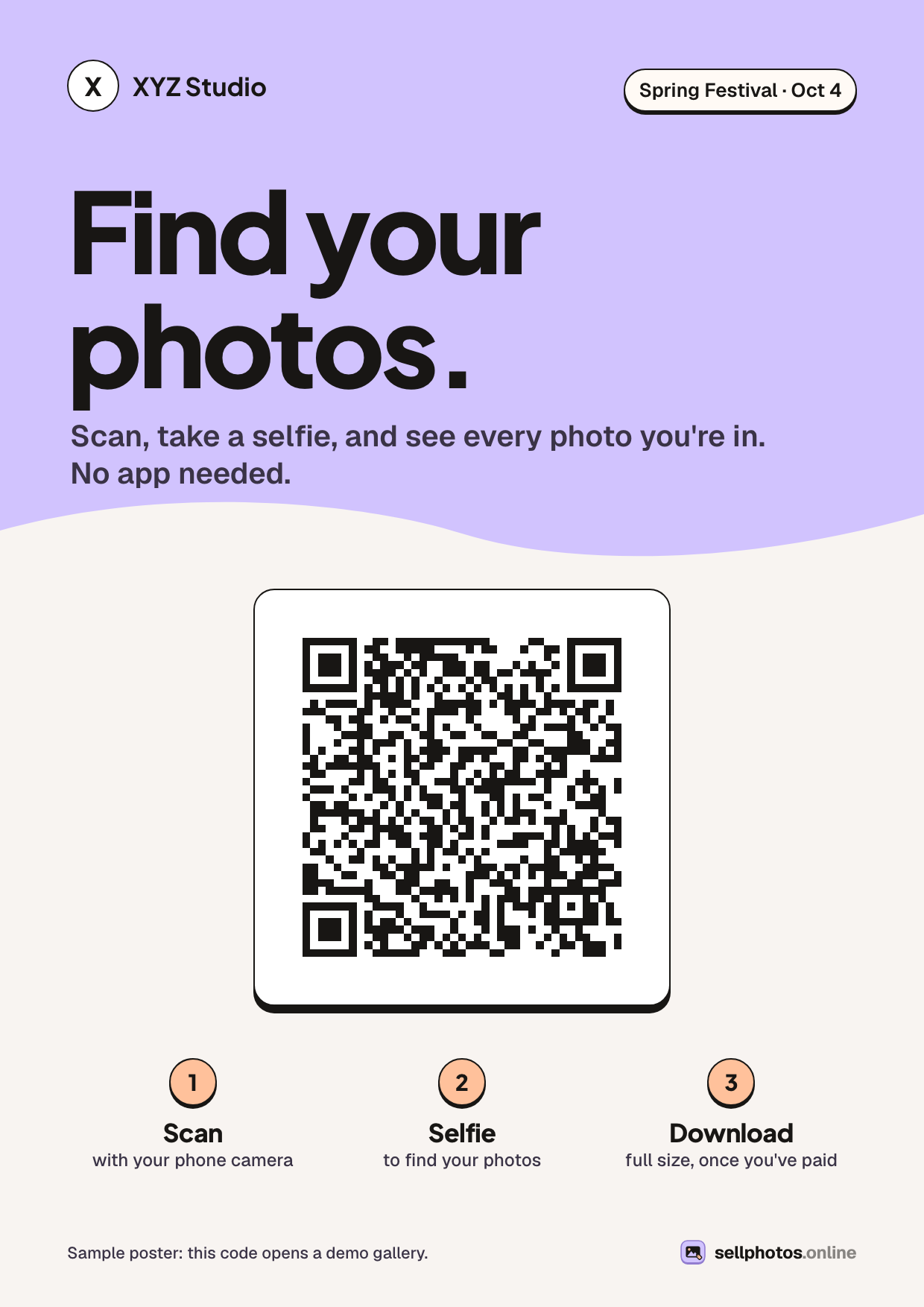
Every event gets a link, a short event code and a print-ready QR code. Print it on an A4 sheet and put it where people stand still: the entry queue, the food counter, the photo booth, next to the stage. Share the link in the event's WhatsApp group as well.
Upload the first batch the same night if you can. People buy when the evening is still fresh. By next week, the moment has passed.
Step 4: Guests find themselves with a selfie
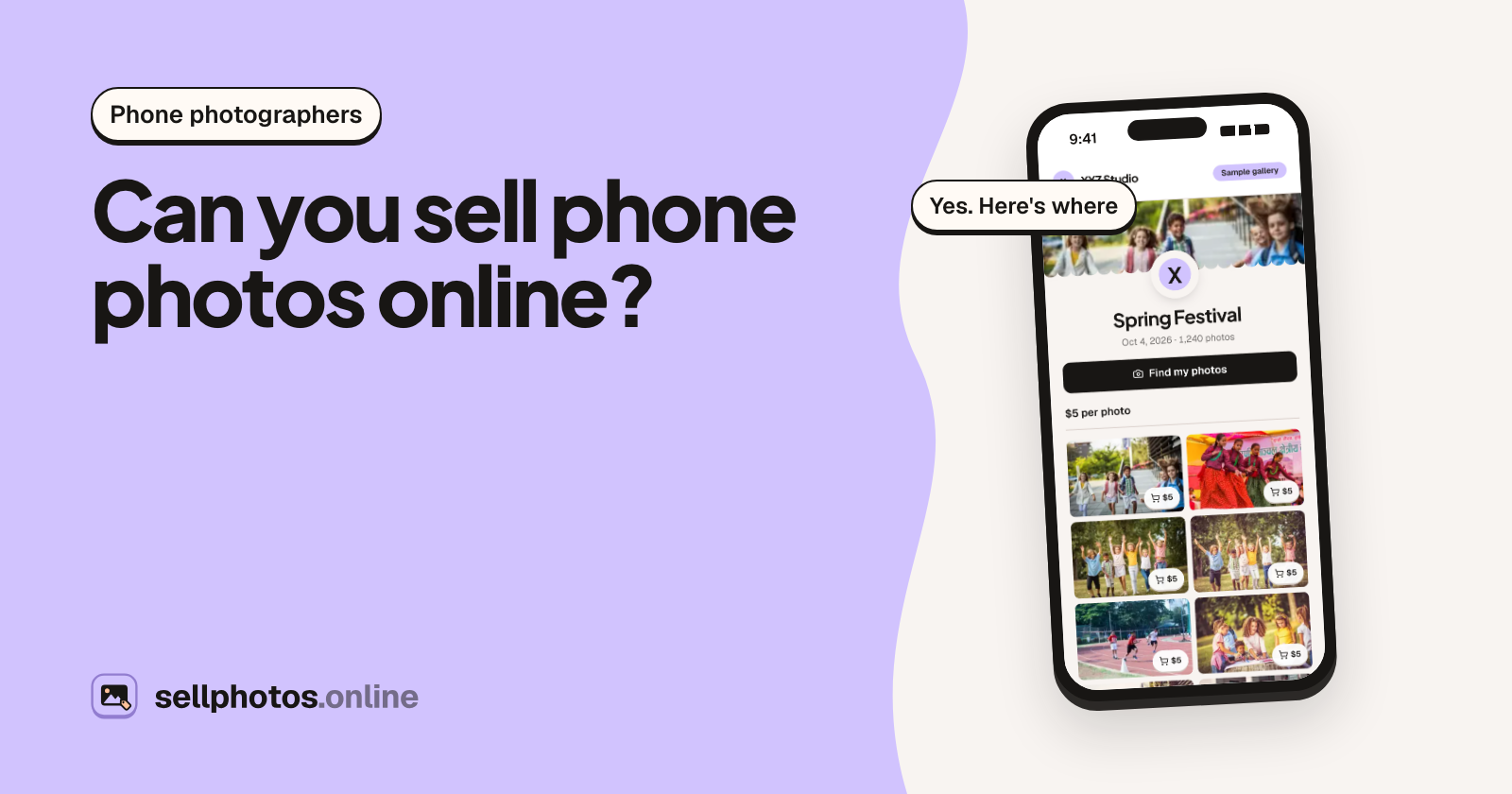
A guest scans the code on their phone. There is no app to install and no sign-up to browse. They tap "Find my photos", agree to a short notice, take a selfie and see only the photos they are in. A parent can use "Find someone else" to photograph their child and find the child's photos.
Everything they see is a watermarked preview. The clean originals stay private until you approve an order. You can try this from the guest's side in the sample gallery. It takes half a minute.
Step 5: They pay your UPI ID, you approve
At checkout the buyer signs in with Google or a one-time email code and sees your payment details: your UPI ID, or a bank account if you prefer. They pay from Google Pay, PhonePe, Paytm or any UPI app, then upload a screenshot of the payment.
You get an email. You open your own UPI app or bank statement, confirm the money is there, and approve the order. The full-size originals unlock for the buyer.
Two rules keep this safe:
- Check your account, not the screenshot. Screenshots can be edited. The money in your own account cannot.
- Don't approve until it shows up. You can reject an order with a note. Unpaid orders get reminders and expire on their own after 14 days.
What it costs, and what you keep
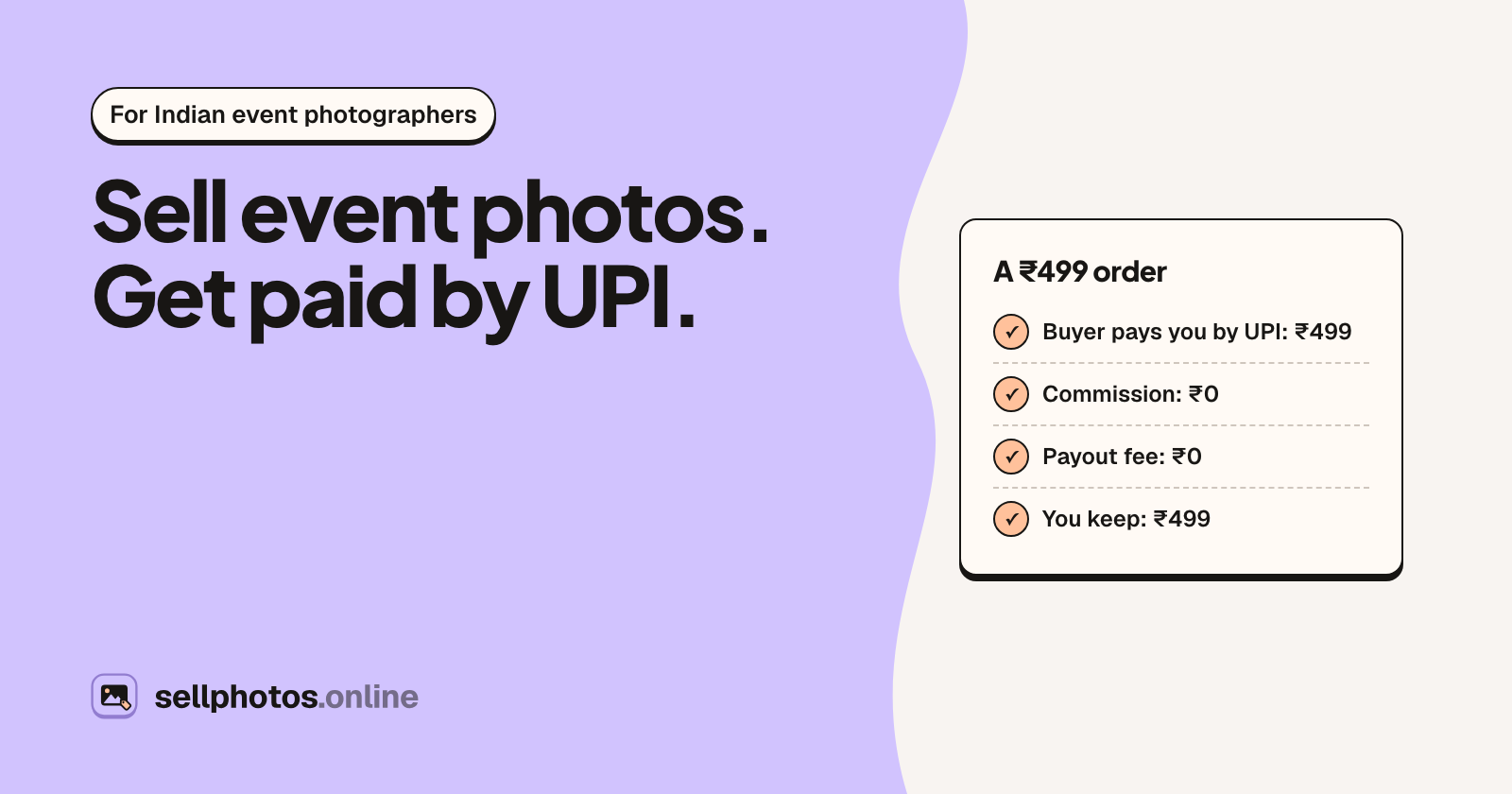
The money goes from the buyer's UPI app to yours. It never passes through sellphotos.online, so there is no commission, no payout schedule and no KYC to open a store.
| A ₹299 order | Amount |
|---|---|
| Buyer pays you by UPI | ₹299 |
| Platform commission | ₹0 |
| Payout fee | ₹0 |
| You keep | ₹299 |
What you pay is a yearly plan. Starter is $99 a year for 20,000 photos and 250 checkouts (a checkout is one approved order, however many photos are in it). Plans are billed in US dollars and the checkout page shows the amount in rupees. There is no free plan, so do the sum first: at the example prices above, a few busy events cover the year. The pricing page has all four plans.
The catches, honestly
- You approve every paid order by hand. That is the cost of taking no commission and holding no money. On a big night, set aside twenty minutes the next morning for approvals.
- No refunds or disputes through the platform. The sale is between you and the buyer. If you need to refund someone, you send the money back yourself.
- RAW files don't upload. Export to JPEG first. JPEG, PNG, WebP, TIFF, HEIC and AVIF work, up to 100 MB each.
- Tax is yours to handle. Money you earn from selling photos is income. Talk to your CA about income tax and GST.
Privacy, briefly
Face search is on by default for each event and you can turn it off with one switch. When it is on, a face template is made for every face in the event's previews, including people who never search. The selfie photo itself is not kept, matching runs only on the watermarked previews, and search results last 24 hours. You can delete an event's face data, and anyone can ask for theirs to be deleted.
For schools and anything with children, follow the school's consent policy and India's DPDP Act 2023. Many schools will want the gallery unlisted (link and QR only), and some will want face search off. Both are one setting each. This is not legal advice; ask the school what it requires.
Your checklist for the next event
- Organiser's permission and their photo policy, in writing (a WhatsApp message is fine)
- Event created, rupee prices set, watermark chosen
- UPI ID written in your payment details
- QR poster printed and placed where people wait
- First batch uploaded the same night
- Orders approved the next morning, after checking your UPI app
Try it before your next event
Open the sample gallery on your phone and run a selfie search. If that is what your guests would want, the plans start at $99 a year.
About sellphotos.online: an online store for event photos. Upload a shoot, share one link or QR code, and guests find their photos with a selfie and pay you directly, with no commission.